
AI Video Models
Every model on this page runs in one generator here, from cheap test renders to half-minute scenes with sound. Pick a card to open it, or read on for a side-by-side look at length, resolution and cost.
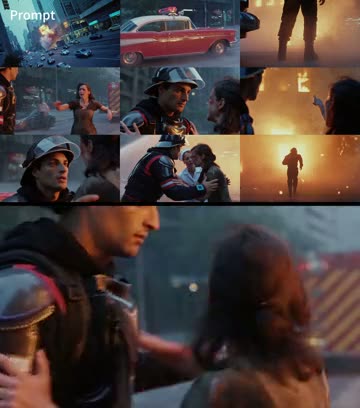
Seedance 2.5
ByteDance's latest: up to 30 seconds per clip, sound included, up to 1080p, and many references at once.
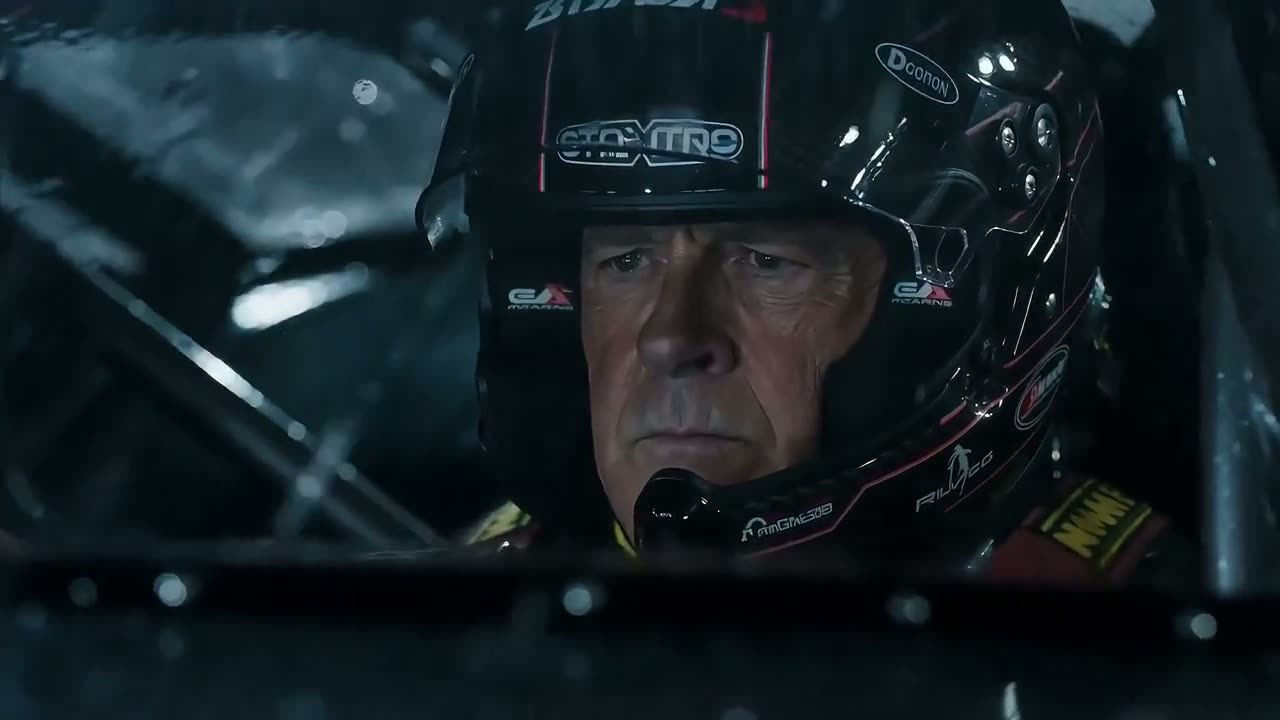
Seedance 2.0 family
Seedance 2.0, 2.0 Fast and 2.0 Mini: the previous generation, for clips of up to 15 seconds. Choose one from the model menu in the generator.

Veo 3.1
Google's model with three modes, Lite, Fast and Quality, each making an 8-second clip for a fixed number of credits.
Where AI video models differ
Four things decide what you get from AI video models and what you pay for it: how long a clip can run, how sharp it is, how much input you can give it and how credits are counted. Seedance 2.5 is ahead on length and input, while the 2.0 family keeps tests cheap.
Length
Seedance 2.5 goes from 4 to 30 seconds in one render. The 2.0 family tops out at 15 seconds, and Veo 3.1 always delivers 8.
Sharpness
Seedance 2.5 and Seedance 2.0 reach 1080p here; 2.0 Fast and 2.0 Mini offer 480p and 720p. Veo 3.1 has no resolution setting: the mode you pick decides the quality.
Input
All Seedance models accept a prompt, a first and last frame, or reference files; Seedance 2.5 takes up to 10 reference clips, the 2.0 family up to 3. Veo 3.1 works from a prompt plus an optional first and last frame.
Credits
Seedance models charge per second, at a higher rate for sharper output. Veo 3.1 charges one flat price per clip, set by its mode. Either way, the Generate button shows the total before anything starts.
What these AI video models are used for
The first three clips are ByteDance demos made with Seedance 2.5 from a prompt and reference images. The other three are our own effects, which use the same AI video models behind the scenes: you add a photo and skip the prompt.
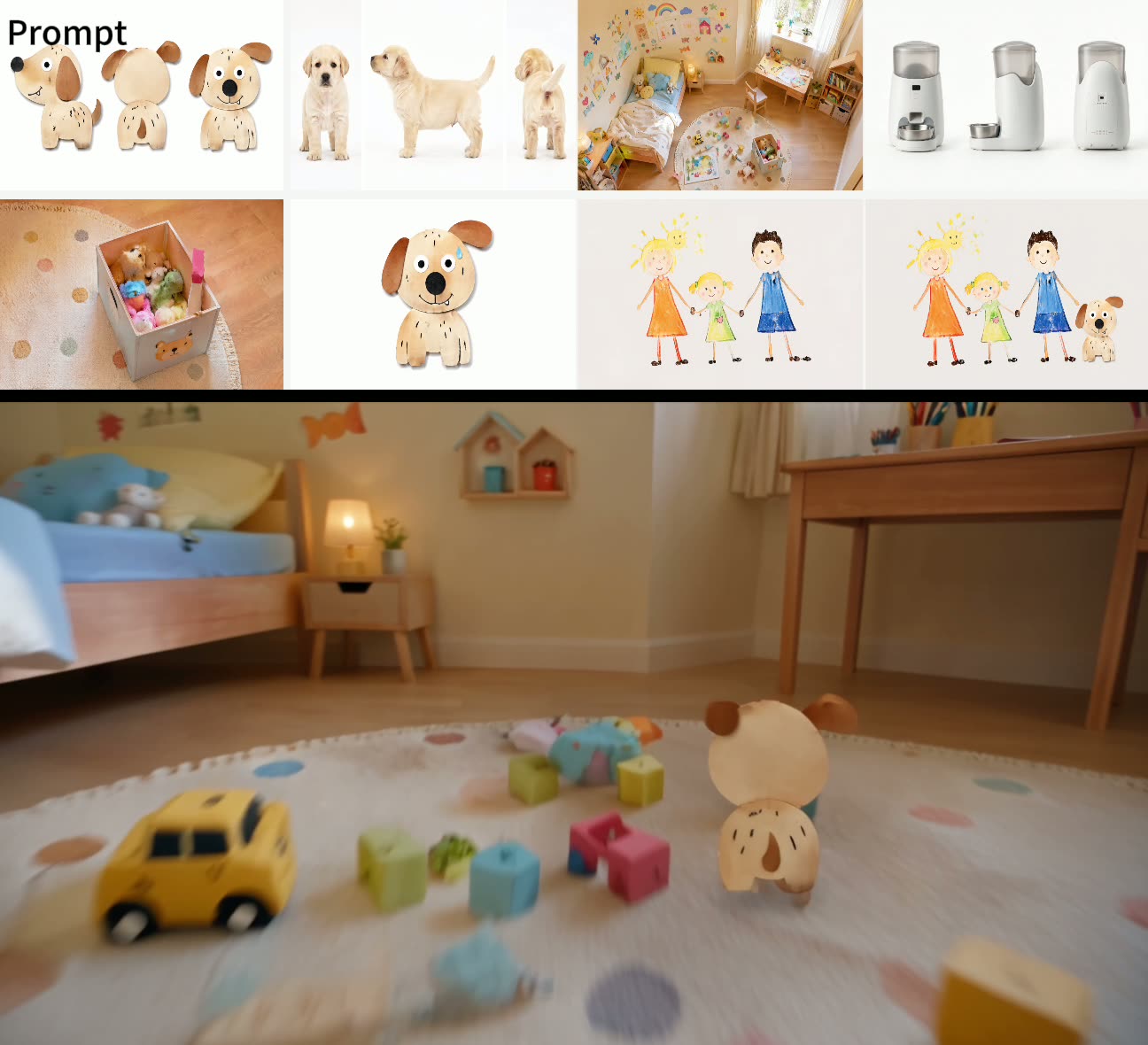
Storyboards and short films
Drawings and product shots go in, a 25-second ad with a puppy comes out. Reference images keep the look consistent.

Product clips
A vertical beauty shot with water, flowers and a slow camera move, ready for a shop page or a Reel.
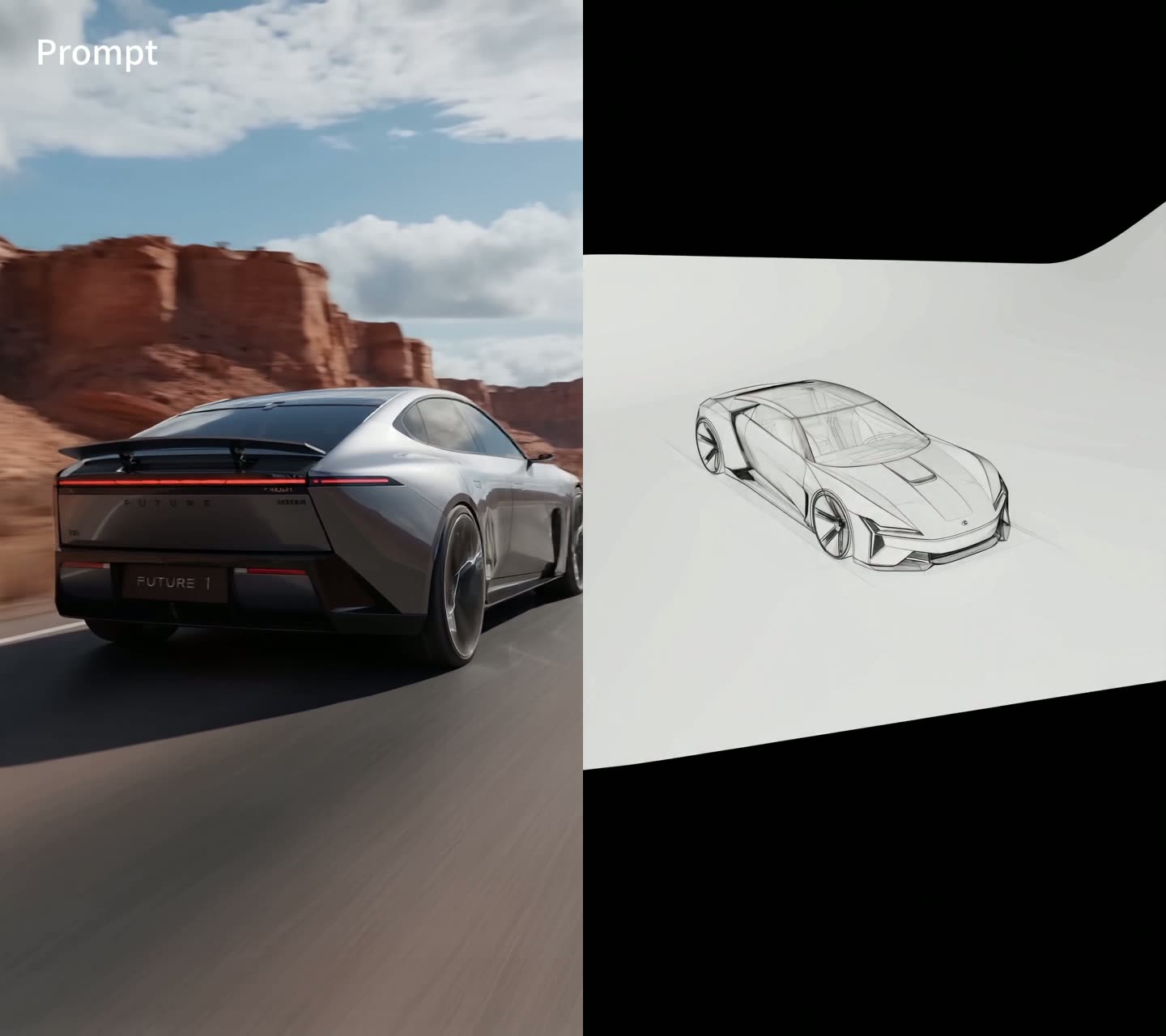
Design to motion
A pencil sketch of a car becomes the same car on a desert road, built from one reference drawing.
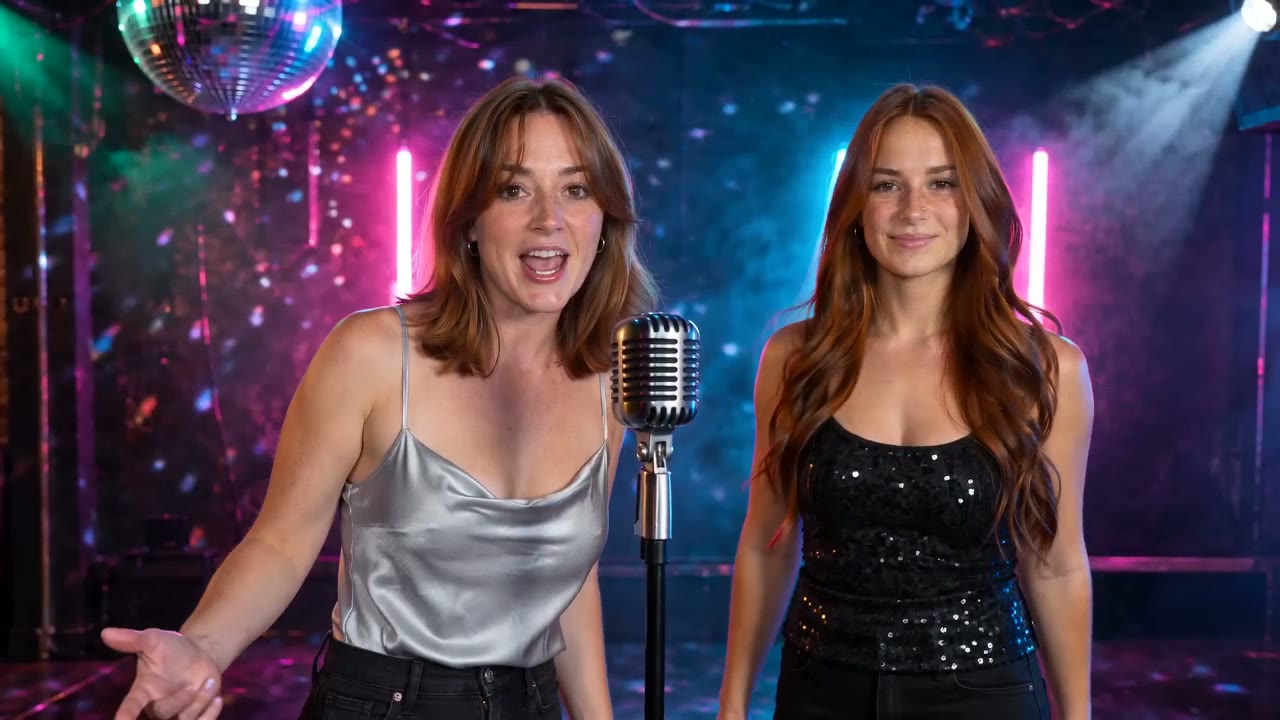
AI Rap Video
Two photos trade verses of an original song. Rendered with Seedance 2.0 Mini or 2.0 Fast.
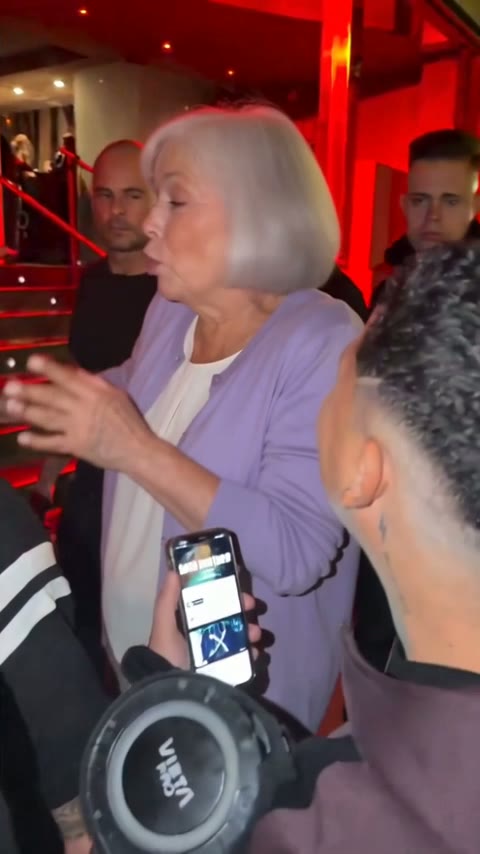
Bulin 47 AI
You become the rapper in the street freestyle. The Standard and HD versions use Seedance 2.5.

Burning Bridges AI
Raise a cup in the middle of the chandelier party. Standard and HD are rendered with Seedance 2.5.
Seven AI video models compared
One generator holds all of these AI video models, so switching never wipes your prompt; only the length, resolution and ratio options follow the model you pick. If you already know you want the newest one, open the Seedance 2.5 generator directly.
| Seedance 2.5 | Seedance 2.0 | Seedance 2.0 Fast | Seedance 2.0 Mini | Veo 3.1 Lite, Fast, Quality | |
|---|---|---|---|---|---|
| Clip length | 4 to 30 s | 4 to 15 s | 4 to 15 s | 4 to 15 s | 8 s |
| Resolution | 480p to 1080p | 480p to 1080p | 480p, 720p | 480p, 720p | Set by mode |
| Reference clips | Up to 10 | Up to 3 | Up to 3 | Up to 3 | None |
| Charged | Per second | Per second | Per second | Per second | Per clip |
| Credits | Highest | Middle | Below 2.0 | Lowest | Fixed by mode |
| Use it for | Long scenes | Sharp 15 s clips | 720p for less | Drafts | 8-second shots |
How to pick between AI video models
Most people end up using two AI video models on one project: a cheap one while the prompt is still changing, and a stronger one for the version that gets posted. For trends that need no prompt at all, browse our AI video effects.
While you are still testing
A 4-second, 480p render on Seedance 2.0 Mini is the cheapest thing the generator can make. Use it to see whether the subject, the camera and the setting come out the way you described them.
For a normal social clip
Seedance 2.0 Fast at 720p in 9:16 covers most TikTok, Reels and Shorts posts of up to 15 seconds. Move up to Seedance 2.0 when the details need to hold at 1080p.
For the final cut
Switch to Seedance 2.5 when the clip runs past 15 seconds, needs several references, or should carry dialogue and music from start to end. Veo 3.1 is a good second opinion for a single 8-second shot.
Three steps from prompt to finished video
Nothing to install: these AI video models run in any phone or desktop browser. You need an account and a credit balance that covers your settings.
Open the generator
Every card above leads to the generator, which starts on Seedance 2.5. Open the model menu to switch to a 2.0 version or to Veo 3.1.
Write the prompt
Pick text, image or reference mode, describe what should happen and what it should sound like, then choose the duration, resolution and frame shape.
Render and save
The button tells you the cost; press it and wait. The finished video plays on the page and a copy is kept under My Creations.
AI video models: common questions
Which of these AI video models is the best?
It depends on the job. Seedance 2.5 leads for anything over 15 seconds, for 1080p and for work with many references. Seedance 2.0 Mini is the budget pick for checking an idea. A common pattern is to draft on Mini and finish on 2.5.
Which models create sound?
Three of them do: Seedance 2.5, Seedance 2.0 and Seedance 2.0 Fast produce dialogue, music and background noise together with the picture. Name the sounds in your prompt, for example traffic and a street musician, or two people arguing in a kitchen.
Can I use these AI video models for free?
No. New accounts do not get free credits, and every render is paid in credits. The Generate button shows the exact cost before you start, and the Pricing page lists monthly plans and one-time credit packs.
Do I lose my prompt when I switch models?
No. They all share one generator, so the prompt stays where it is. Only the options move: duration, resolution and ratio switch to what the new model can do, and the cost on the button follows.
Why does one model cost more than another?
Bigger models and longer, sharper clips need more computing. So Seedance charges by the second, with a higher rate for higher resolution, and every Veo 3.1 mode has one flat price per clip.
Which models run Kirkify's own tools?
Kirkify Image to Video turns a still into a clip with Veo 3.1 Fast. Among the effects, the AI Rap Video runs on Seedance 2.0 Mini and 2.0 Fast, while Bulin 47 AI and Burning Bridges AI use Seedance 2.0 Mini for Lite and Seedance 2.5 for Standard and HD.
How long does a render take?
Usually a few minutes. A 4-second 480p draft finishes fastest; a 30-second 1080p clip on Seedance 2.5 takes the longest. Closing the page does not stop it, and the video waits under My Creations.
Who makes these AI video models?
ByteDance builds Seedance and Google builds Veo. Kirkify AI is an independent site that calls them through an API and has no affiliation with either company. If a render fails or gets filtered, it costs nothing.
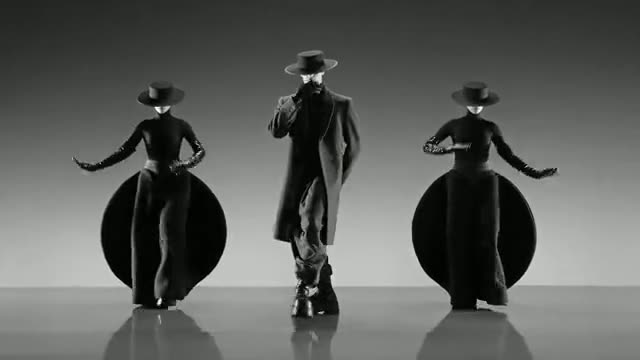
Try the newest model first
Of all the AI video models here, Seedance 2.5 runs the longest: half a minute of video, with sound, from one prompt.