
Edit Your Kirkify Images with AI
Change expressions, emotions, backgrounds and more.
Upload and edit your Kirkify images with AI
Click or drag to upload images (max 5)
Sign up to get free credits!
Your edited Kirkify image will appear here
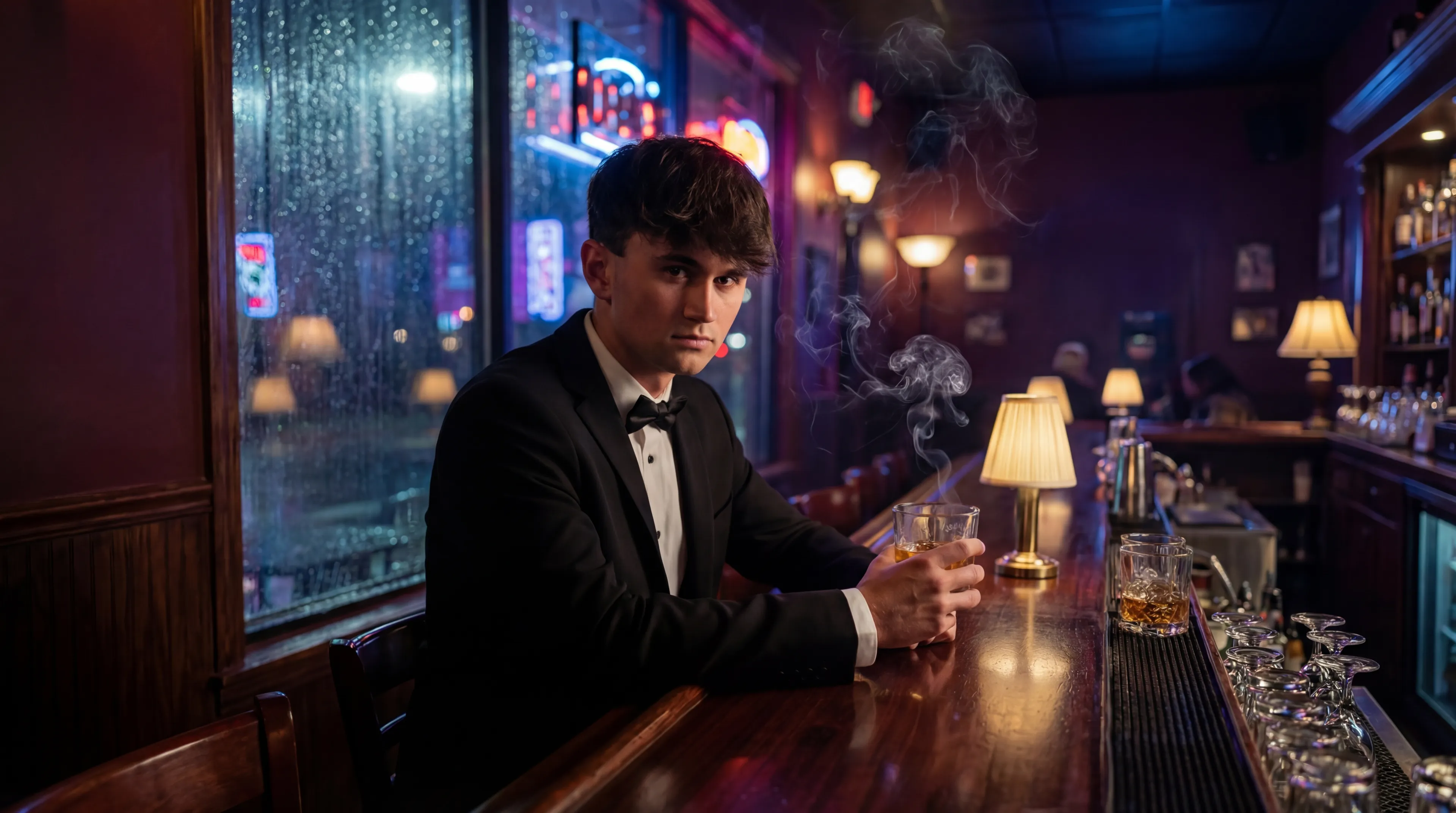
Sample gallery • Upload your image to get started
What is Kirkify Image Editor?
Kirkify Image Editor is an AI-powered tool designed to enhance and transform your Kirkify images. Take your Kirkify AI face swap creations to the next level by adjusting expressions, emotions, backgrounds, and more. Create unique variations ready for sharing or video generation.
- Built for Kirkify ImagesSpecially optimized to work with Kirkify AI face swap images, while also supporting any image you upload.
- AI-Powered EditingUse advanced AI models to transform your images with simple text descriptions. No design skills needed.
- Multiple Output OptionsShare your edited Kirkify images on social media or use them as source material for video generation.
Why Use Kirkify Image Editor?
Unlock the full creative potential of your Kirkify images. Edit, enhance, and prepare them for any use case.
Make Your Kirkify Images More Fun
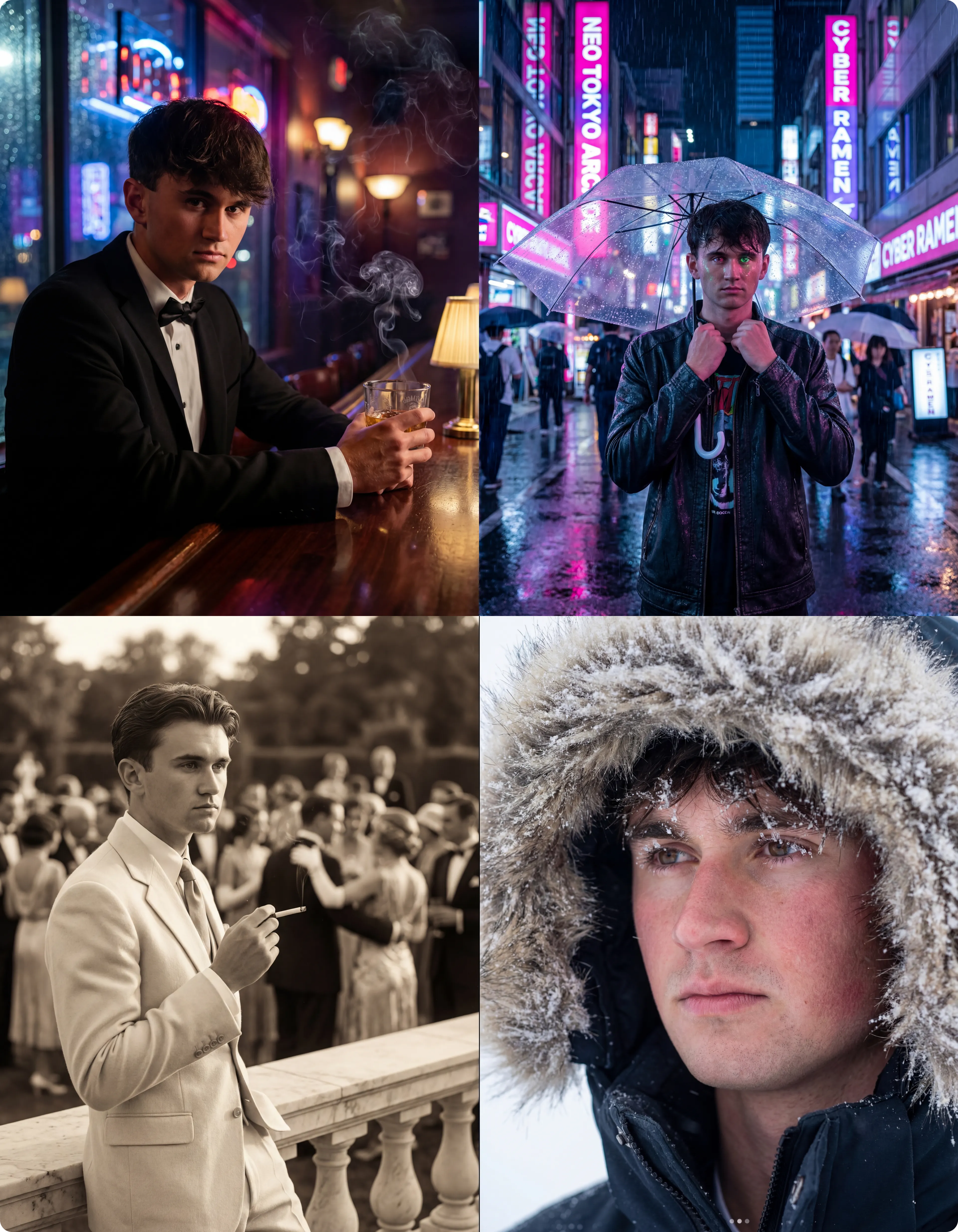
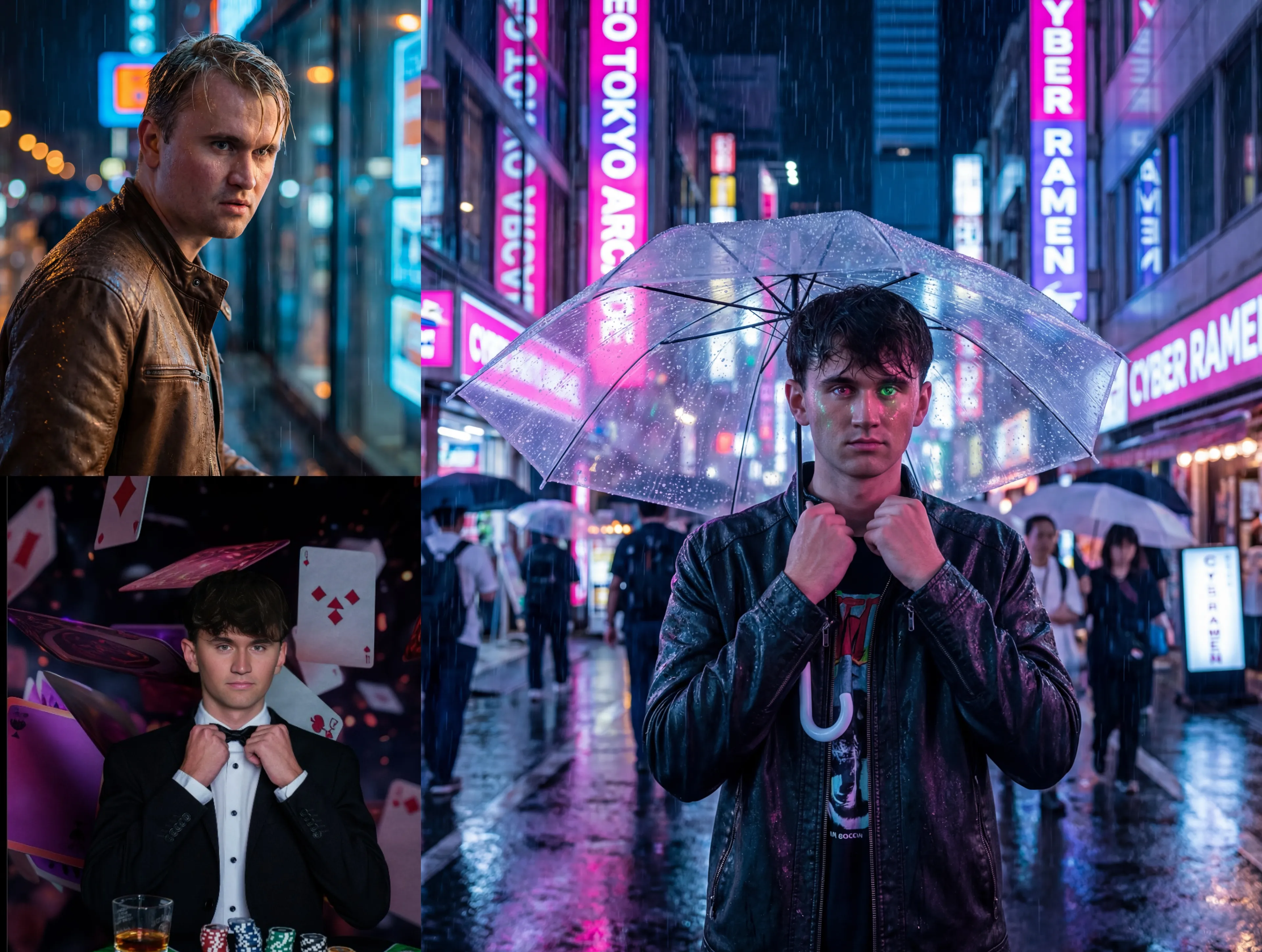
Transform a single Kirkify face swap into endless creative variations. Change expressions from happy to angry, add emotions, or completely reimagine the scene.
Ready to Share Anywhere
Export high-quality edited Kirkify images perfect for Twitter/X, Reddit, Discord, Instagram, or anywhere you want to share your creations.
Video-Ready Output
Planning to create videos? Edit your Kirkify images to the perfect look, then use them as first frames or key frames for AI video generation.
How to Edit Your Kirkify Images
Transform your Kirkify images in 4 simple steps:
Kirkify Image Editor Features
Powerful AI editing capabilities for your Kirkify images and beyond.
Expression & Emotion Changes
Transform expressions from happy to sad, angry to surprised. Make your Kirkify images convey any emotion you want.
Background Modification
Change, remove, or enhance backgrounds. Put your Kirkify creation in any setting imaginable.
Style Transfer
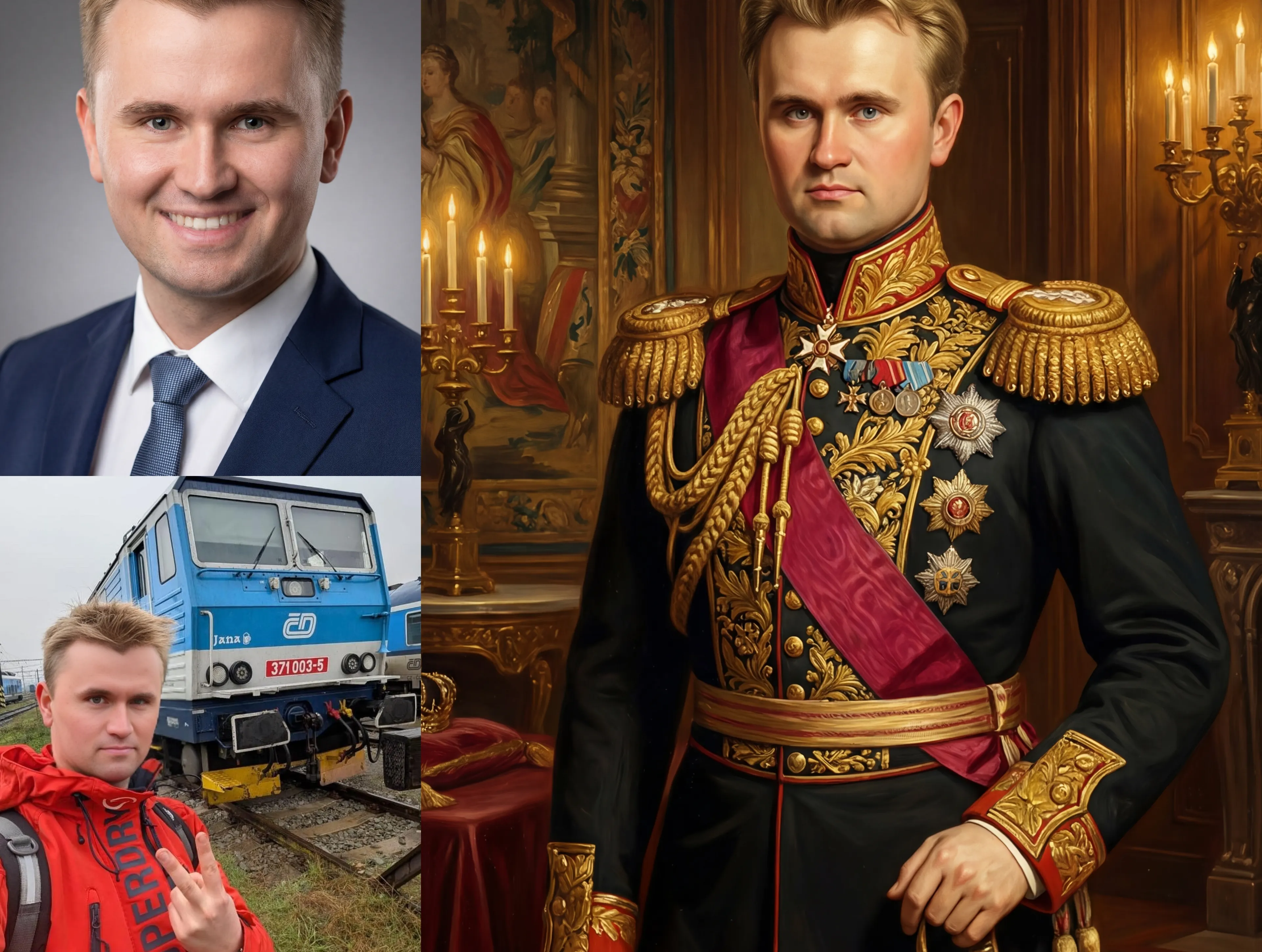
Apply different artistic styles to your Kirkify images. Go from realistic to cartoon, painted, or any creative style.
Text-Guided Editing
Simply describe what you want in plain English. No complex tools or design skills required.
High-Resolution Output
Export your edited Kirkify images in high quality, perfect for sharing on any platform.
Video Generation Ready
Edited images are optimized for use with Kirkify Image to Video, perfect as first frames or key frames.
Frequently Asked Questions About Kirkify Image Editor
Common questions about editing Kirkify images.
Can I only edit Kirkify AI generated images?
No, while Kirkify Image Editor is optimized for Kirkify images, you can upload and edit any image you want.
What types of edits can I make?
You can change expressions, emotions, backgrounds, styles, add or remove elements - virtually any image transformation you can describe in text.
Can I use edited images for video generation?
Yes! Edited images work perfectly with Kirkify Image to Video. Many users edit their Kirkify images first to get the exact look they want, then use them as first frames for video generation.
What image formats are supported?
We support common image formats including PNG, JPG, JPEG, and WebP.
What if I'm not satisfied with the result?
You can tweak your prompt and try again, or generate multiple times to get different variations. Each generation may produce slightly different results.
Where can I share my edited Kirkify images?
Anywhere! Your edited images are high-quality and ready for Twitter/X, Reddit, Discord, Instagram, or any platform you choose.
Start Editing Your Kirkify Images
Take your Kirkify creations to the next level. Edit expressions, emotions, backgrounds and more with AI-powered tools.