
AI Video Effects
Meme-ready AI video effects built on clips people already know. Upload one or two photos, pick a trend, and get back a video where your face does the performing, with the sound already in place.
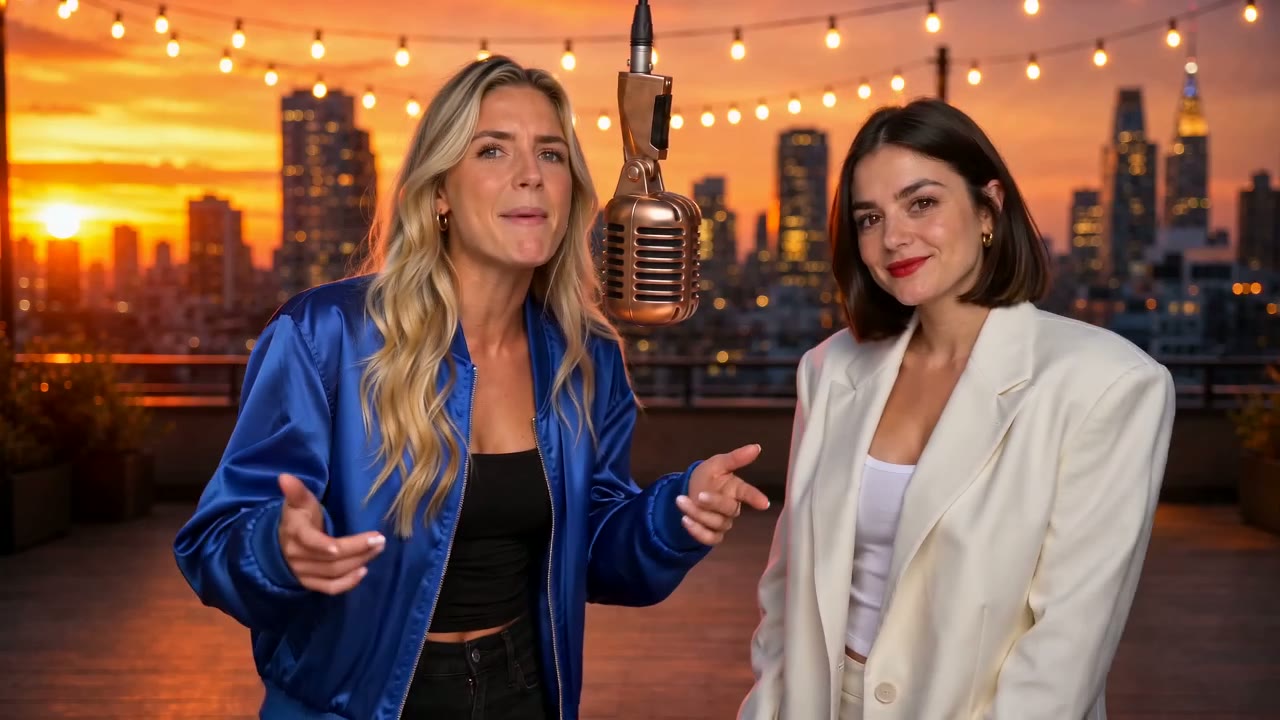
AI Rap Video
Two photos become a rap duo trading verses of a brand-new song in one of eight scenes.
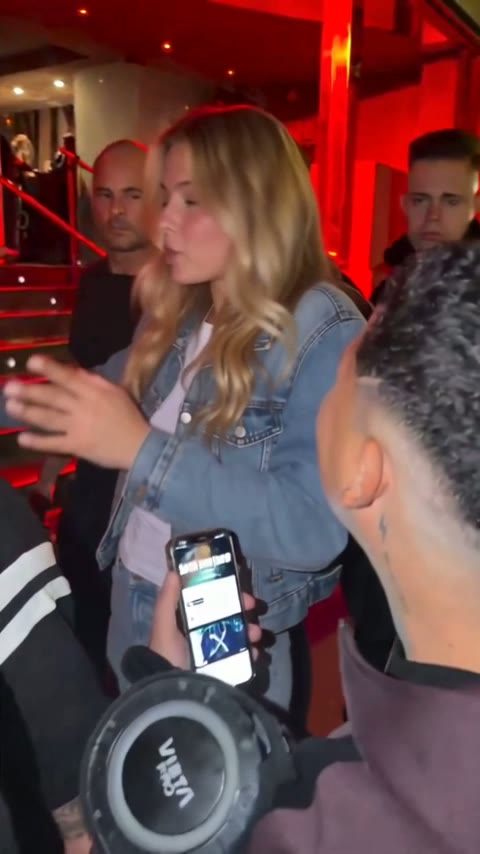
Bulin 47 AI
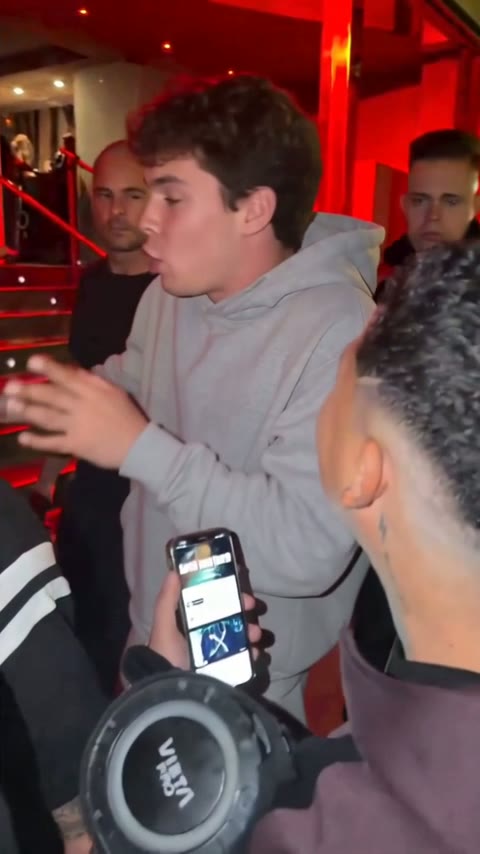
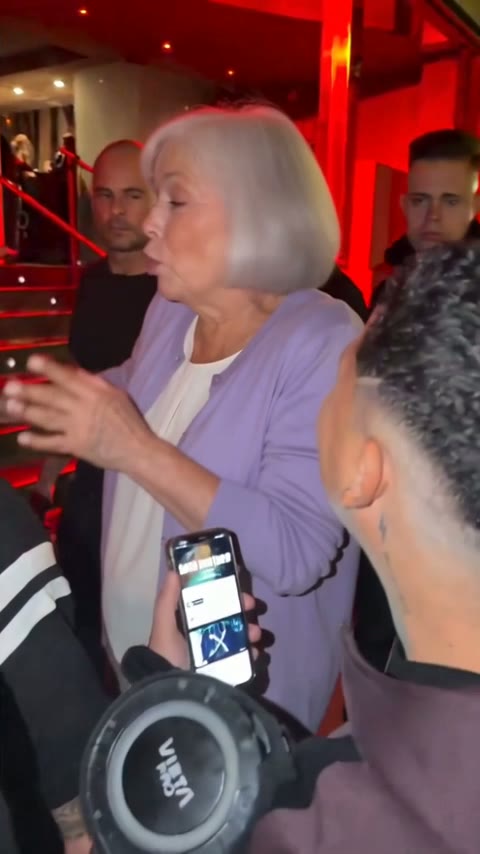
You become the rapper in the street freestyle filmed on a phone outside a club.
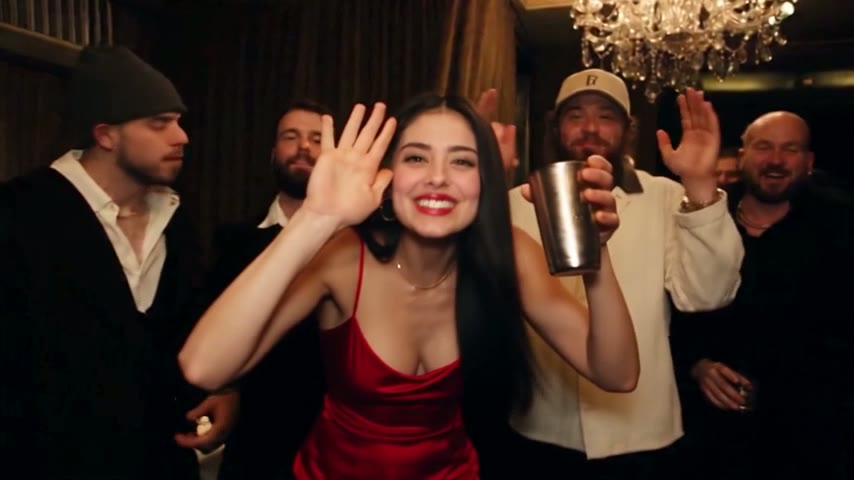
Burning Bridges AI
Take the lead at the chandelier party, cup up, for the "where she at" moment.
What an AI video effect actually does
A video trend spreads because everyone copies the same few seconds: the same moves, the same camera, the same sound. These AI video effects keep all of that and change only who is on screen. You supply the faces; the clip supplies everything else.
The clip is the template
Bulin 47 AI and Burning Bridges AI edit a fixed clip, frame by frame. The setting, the crowd and the timing stay exactly as people remember them; only the lead changes.
Your photo is the cast
Face, hair, skin tone and clothes come from your upload. A sharp, front-facing photo in good light gives the closest likeness, and a pet photo works too.
Sound comes built in
The two trend effects keep the audio of their clip. The rap effect writes a new song every time, so nothing in it is borrowed from a real track.
Ready to post
You download a finished MP4 in the shape the trend uses: vertical for the freestyle, widescreen for the rap duo and the party scene.
The three AI video effects side by side
They differ in how many photos you need, what the video looks like and how long it can run. Use this table to pick the one that suits your photos.
| AI Rap Video | Bulin 47 AI | Burning Bridges AI | |
|---|---|---|---|
| Photos | Two, one per performer | One | One |
| Based on | Eight original rap stages | A viral street freestyle | A party scene from a music video |
| Sound | New AI-written rap | Original clip audio | The song from that scene |
| Shape | Widescreen 16:9 | Vertical 9:16 | Widescreen 16:9 |
| Lengths | 4 or 15 seconds | 4, 10 or 30 seconds | 4, 10 or 28 seconds |
| Choose your topic |
Which effect fits your photos
Each of our AI video effects needs different photos, so start from what is on your camera roll and what you want the joke to be.
A duo or a couple
Two friends, a couple, siblings or two pets belong in the AI rap video. Each photo becomes one performer, and you can steer the lyrics toward a birthday, a roast or an inside joke.
A solo star
One clear photo of one person is all the two trend clips need. Pick the Bulin 47 AI freestyle for vertical feeds, or the Burning Bridges AI party for a widescreen post and a bigger room around you.
A first test
Not sure a photo will work? Every effect has a 4-second Lite version at 480p. It is the cheapest way to see your face in the clip before you make a longer one.
From photo to finished video
All three AI video effects run in the browser on a phone or a computer. There is no app to install and no prompt to write.
Open an effect
Choose a card above. Each effect page has its own generator with the clip and settings already loaded.
Upload and choose
Add your photo or photos, then pick a length and a quality level. The button shows the exact credits before you start.
Download the MP4
A 4-second clip usually takes two to four minutes, longer versions up to about ten. You can leave the page; the video waits in My Creations.
AI video effects: common questions
What are AI video effects?
They are ready-made video edits powered by AI. Instead of filming yourself or writing a prompt, you upload a photo, and the AI puts the person from that photo into a known clip or scene. On this site there are three: an original rap duo, the Bulin 47 freestyle and the Burning Bridges party.
How many photos do I need?
It depends on which of the AI video effects you pick: one for Bulin 47 AI and Burning Bridges AI, two for the AI rap video. Use one person per photo; if your best picture is a group shot, crop it to one face first.
Can I use a photo of my pet?
Often, yes. Dogs and cats come out well in the rap scenes, and one of the Burning Bridges samples is a golden retriever. People are still the safest choice for the freestyle, where the mouth has to follow the rapping.
How much does one video cost?
It depends on the effect, the length and the quality level, and the generator shows the credits before you confirm. A Standard video costs the same as the credits in the Starter monthly plan. See the pricing page for plans and one-time credit packs; a render that fails is never charged.
Is there a free trial?
There are no free credits for these AI video effects. The cheapest option is a 4-second Lite clip, which lets you check how a photo turns out for a small number of credits before you choose a longer version.
Why was my photo rejected?
The AI's safety filter may block photos of famous people, explicit images and some photos of children. Blurry, dark or very small faces can also fail. Try a clear photo of yourself or a friend who agreed to it.
Can I post the videos on TikTok or Instagram?
Yes. You get a standard MP4 that uploads anywhere. Turn on the platform's AI-generated label when you post, and only share videos of people who are happy to appear in them.
Are these effects made by the original artists?
No. These are independent fan-made effects, not affiliated with Bulin 47, Kevin Wai, Drake or any label. The trends belong to the people who started them; what you make here is a parody remake for fun.
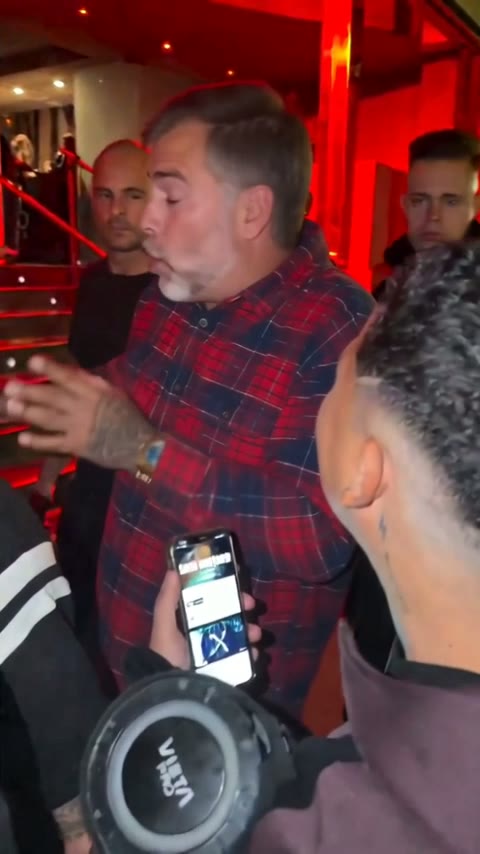
Pick a clip and put your face in it
Three AI video effects, one or two photos each, and a finished video in a few minutes.