
AI Rap Video
One person per photo, front-facing, well lit. The first photo takes the left spot, the second the right.
Failed renders are never charged.
Try another AI video effect
Each one starts from a different clip, so the same photo gives you a completely different video.
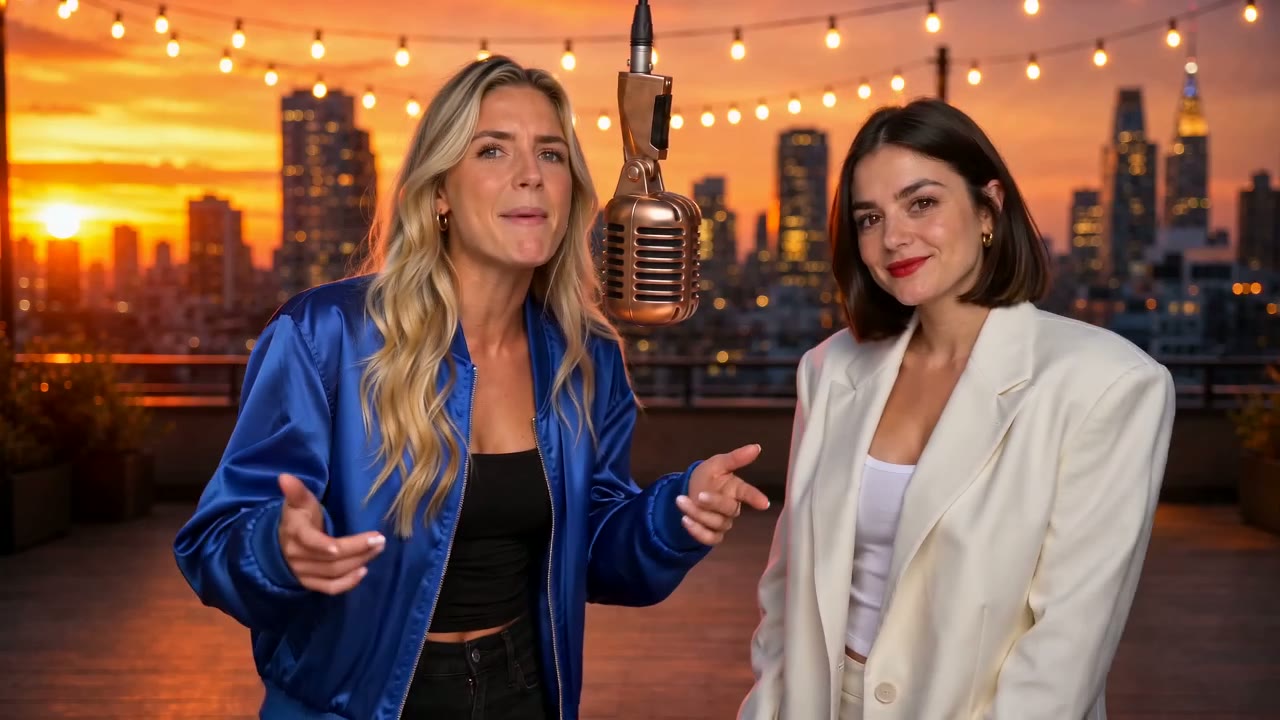
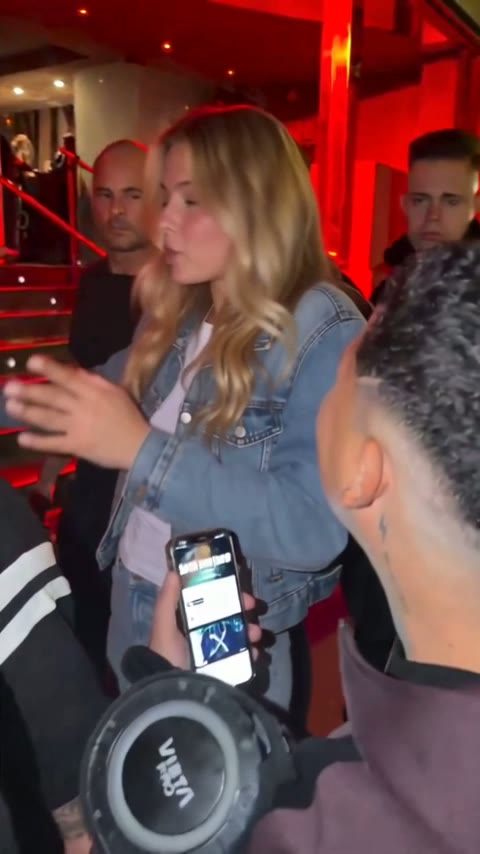
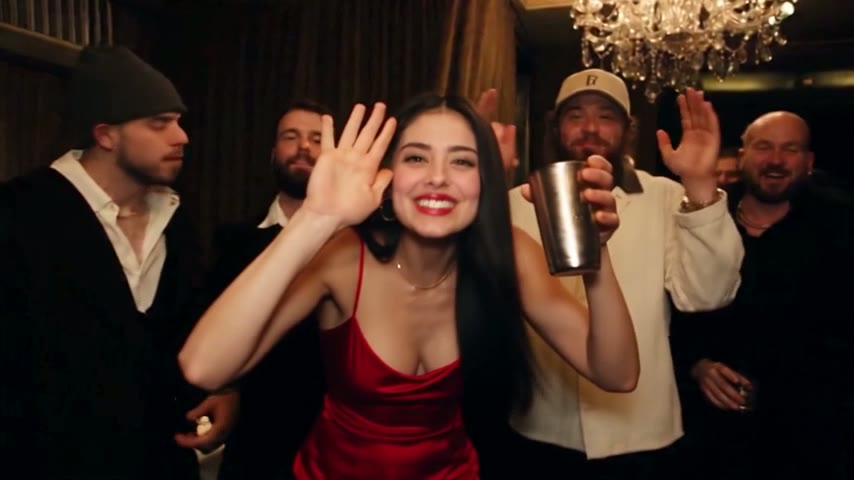
What you get in an AI rap video
Every AI rap video here is generated from scratch around your two photos. Nothing is pasted onto old footage, and the song is new every time, so the result feels like a music video the two of you actually shot. It belongs to our AI video effects collection, next to two effects that remake famous clips.
Two performers, two verses
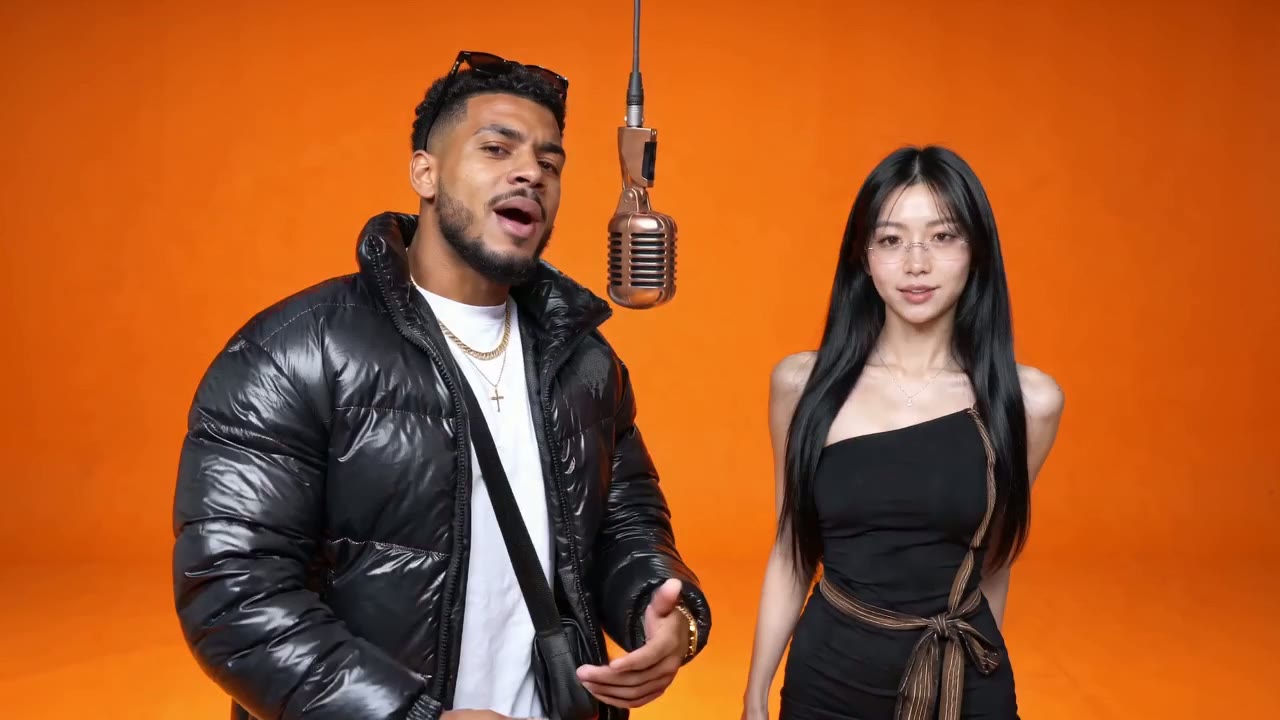
The first photo becomes the rapper on the viewer's left, the second the one on the right. They take turns at the mic while the other grooves and drops an ad-lib.
A song nobody has heard
The beat, the flow and the lyrics are created for your video, so no label owns the track. Expect a bouncy trap beat around 140 BPM and clean, family-friendly words.
About anything you type
Write a topic of up to 120 characters, or tap a quick pick such as Birthday or Friendly roast. Leave it blank and the two of you brag about being the best duo in the room.
In your language
The lyrics follow the language you choose in the generator, including Spanish, Japanese, Hindi and Arabic, so a birthday rap for grandma can be in her own language.
Eight stages for your AI rap video
The stage sets the mood; the camera cuts between a wide shot and a closer two-shot on the beat. Switch stages without uploading your photos again.
Booth
A seamless bright orange room and one hanging microphone. Clean and bold, the look most people recognise from rap sessions online.
Rooftop
A city skyline at golden hour with string lights swaying overhead. Good for friends and couples.
Street
A graffiti wall at night, wet pavement and orange streetlights. The grittiest of the eight.
Neon Club
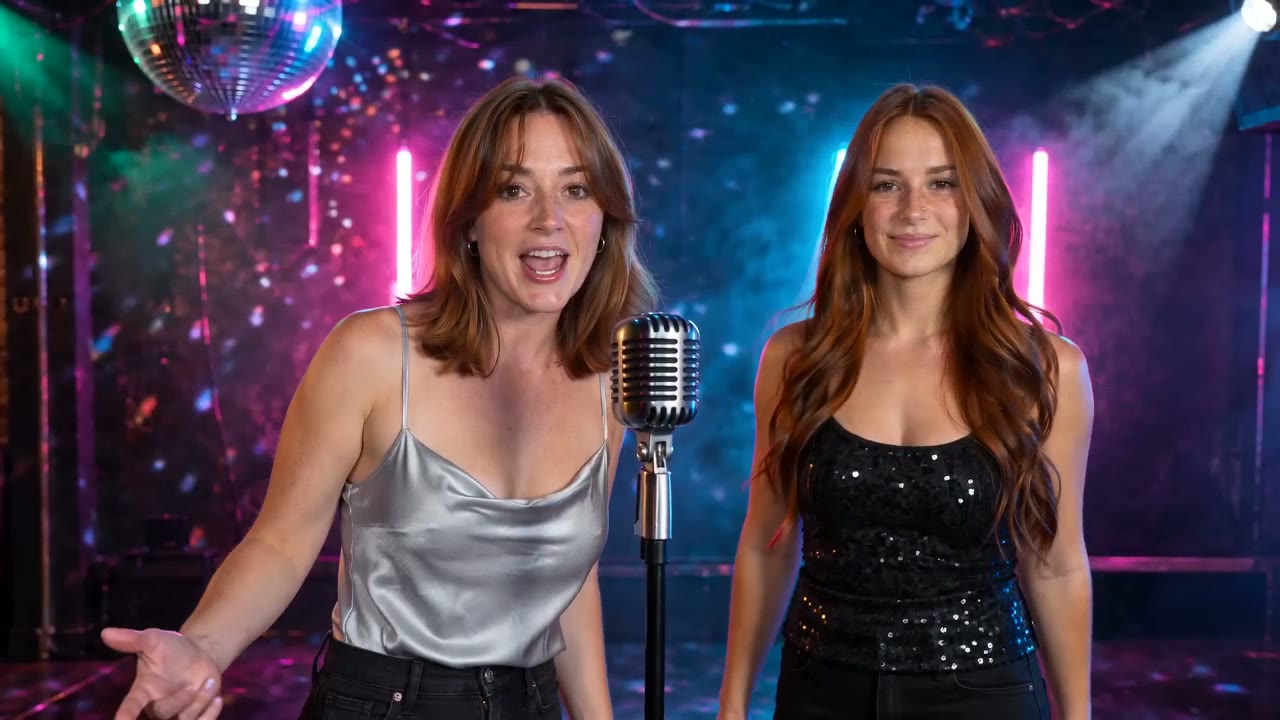
Pink and cyan neon, a spinning mirror ball and haze, with a mic stand between you.
Studio
Acoustic foam, a mixing desk with bouncing meters and purple LED strips.
Lobby, Birthday and Halloween
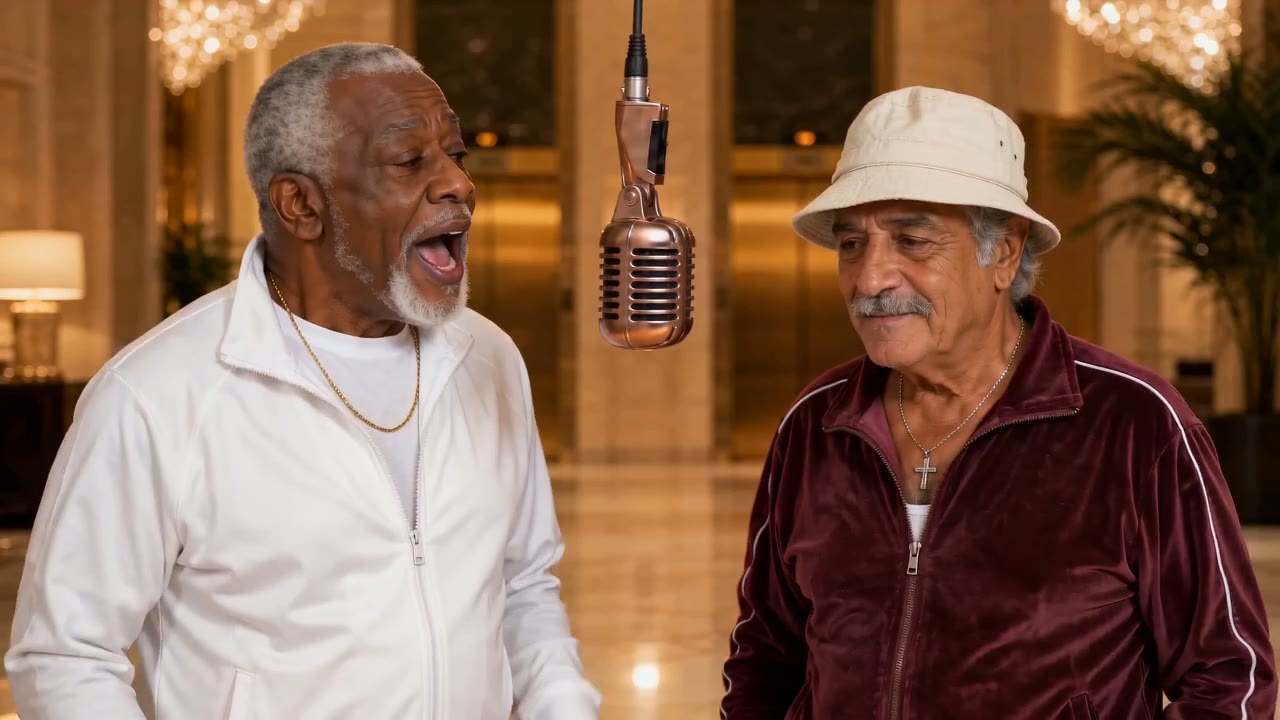
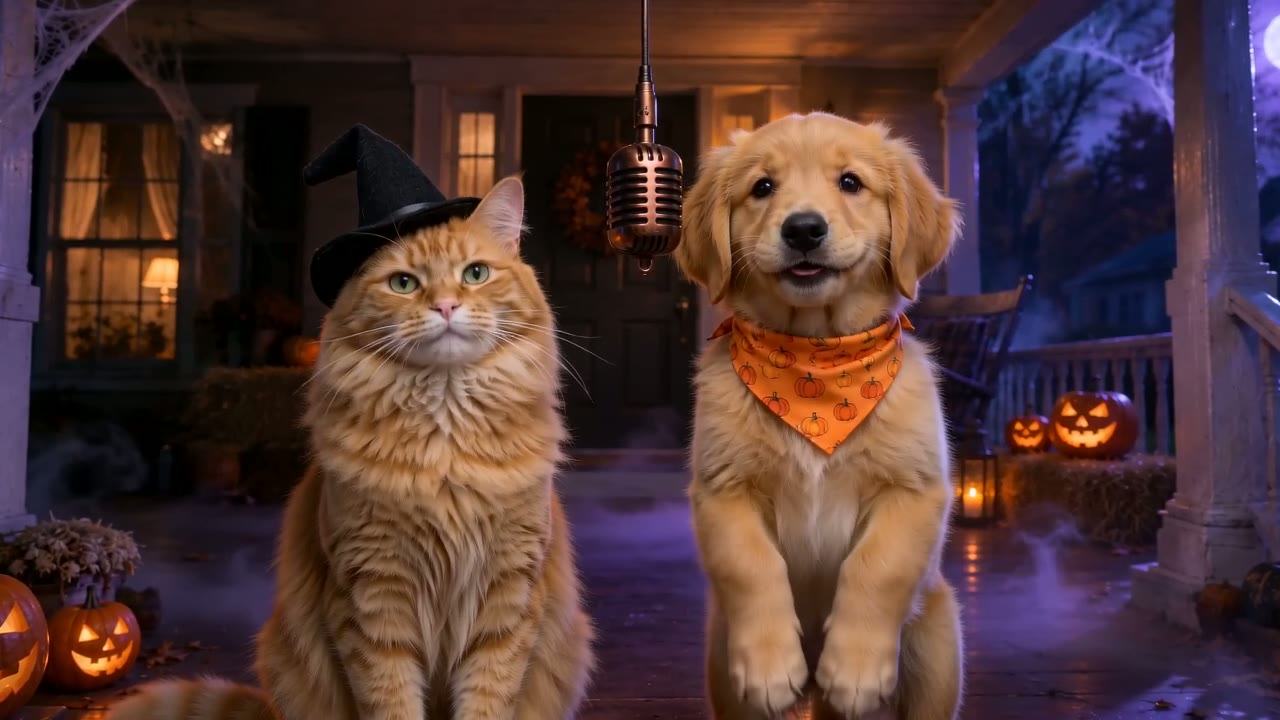
A marble hotel lobby, a living room full of balloons and a cake, and a front porch with glowing pumpkins for the spooky season.
How to make an AI rap video
Three steps in any browser, the same as every one of our AI video effects. No app, no prompt and no editing.
Add two photos
One person or pet per photo. The first photo plays the left side and opens the song; they do not need to be taken together.
Pick a stage and a topic
Choose one of the eight stages, type what the rap should be about, and check the lyric language.
Generate and download
Lite takes about two to four minutes, Standard a little longer. The MP4 also waits in My Creations if you close the tab.
Photo tips
Photos that make a better AI rap video
The camera shows both of you from the knees or the waist up, so faces need to be clear and the upper body visible.
Works best
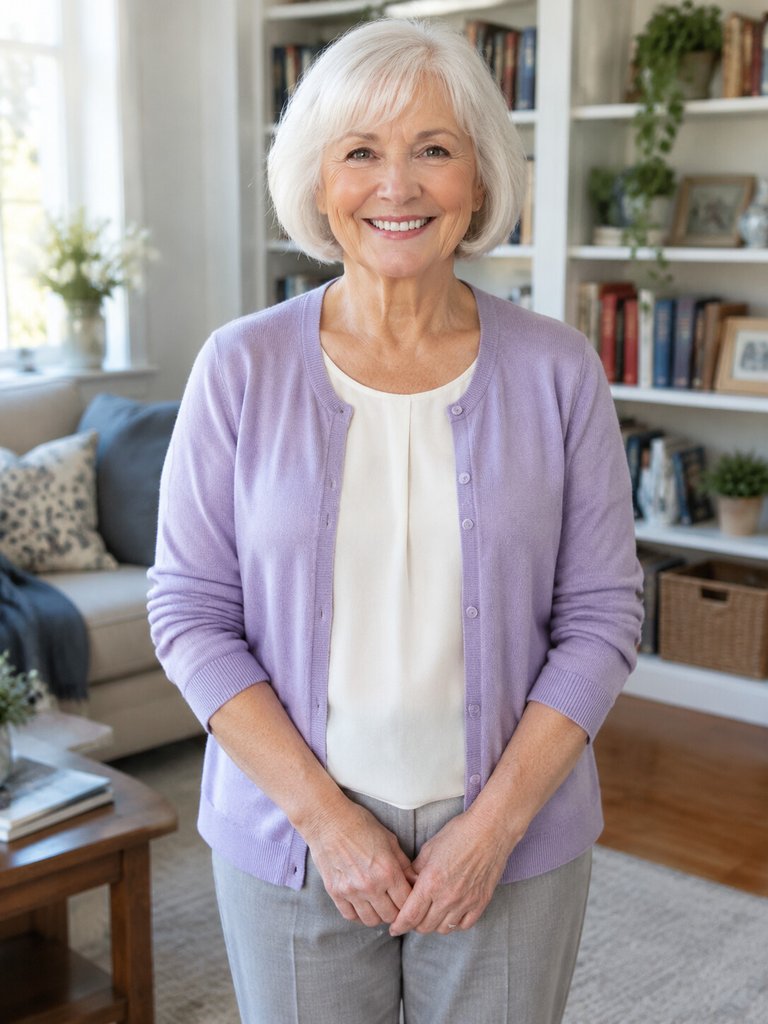
Waist up, facing the camera
Shoulders and hands help the moves look natural.
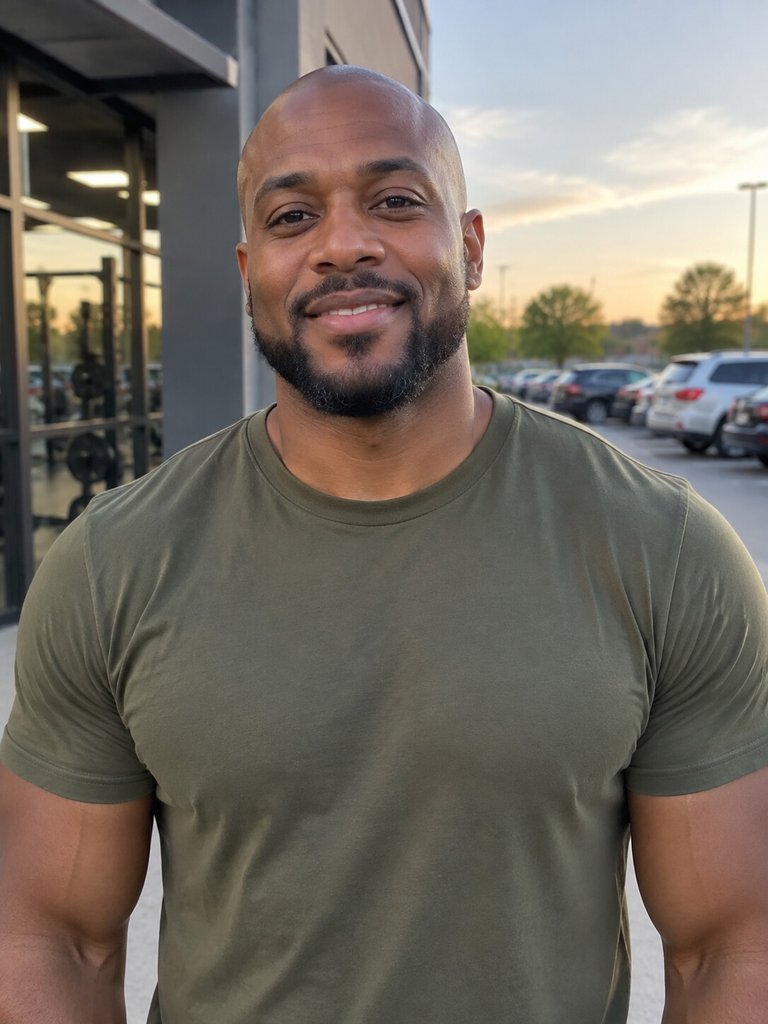
Soft, even light
Daylight or a bright room keeps the face sharp.
Avoid
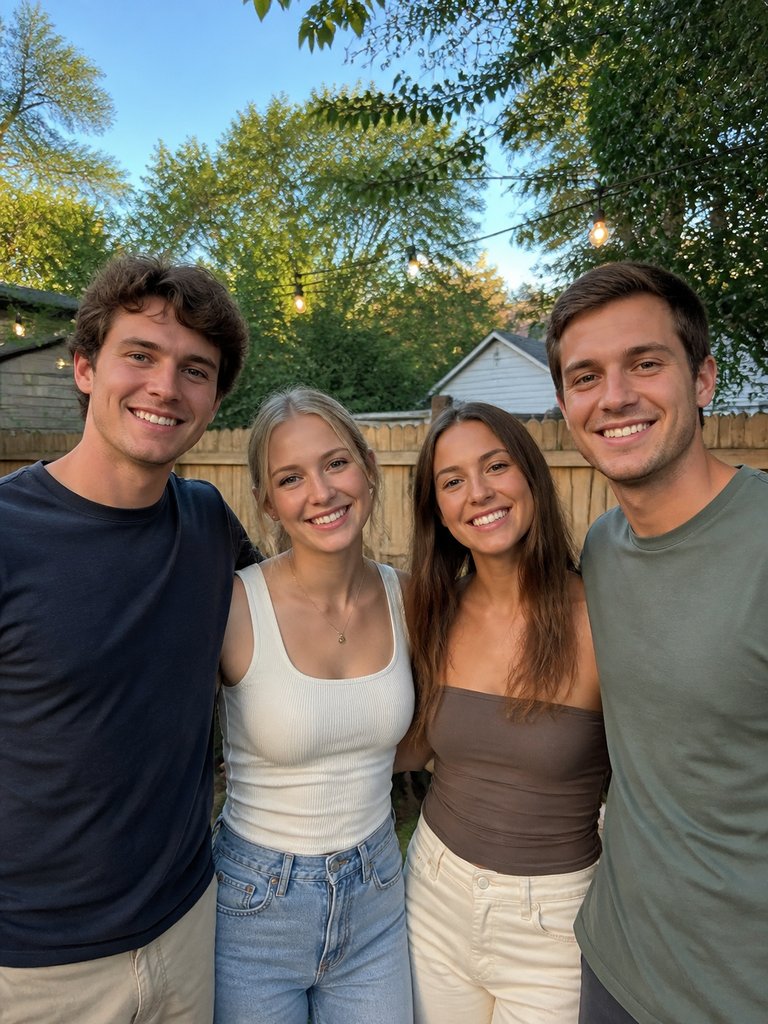
Group photos
Crop to one person per photo.
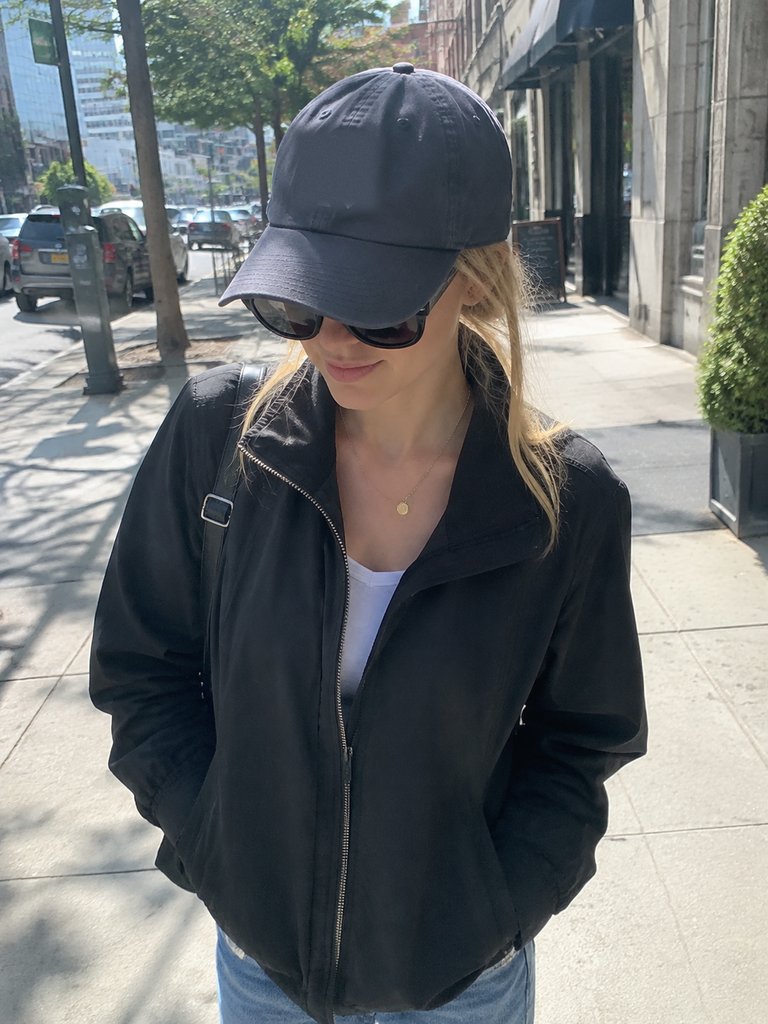
Sunglasses
Hidden eyes make the face drift.
Lengths and quality
Two versions, so you can test cheaply and then make the one you want to share.
4 seconds, Lite
A short 480p clip with the opening bars. Use it to check how both faces come out on the stage you picked.
15 seconds, Standard
Both verses in 720p with sharper faces, the same quality as the samples on this page. This is the version most people post.
Different every time
Lyrics, flow and lip-sync are generated fresh for each render, so two videos from the same photos are never identical. If you love one line, keep that take.
AI rap video compared with other rap tools
Searches for AI rap often lead to tools that only make text or audio. Here is what each one gives you.
| This effect | Lyrics generator | AI song maker | |
|---|---|---|---|
| You get | A finished video | Written verses | An audio file |
| Your faces on screen | |||
| Beat and vocals | |||
| Two performers | Up to you | Usually one voice | |
| Editing needed |
AI rap video questions
What is an AI rap video?
It is a short music video made by AI in which real people from photos perform a rap. On this page you upload two photos and get a lip-synced duo performing an original song on a stage of your choice, with a beat and two verses.
Can I choose what the rap is about?
Yes. Type a topic of up to 120 characters, such as "roast my brother Sam for always being late", or tap one of the quick picks. The AI writes the lyrics around it, so the more specific the topic, the funnier the result.
Can I make a birthday AI rap video?
Yes, it is one of the most popular uses. Pick the Birthday stage, tap the Birthday quick pick or write your own line such as "a birthday rap for my sister Maya who just turned 30", and put the birthday person in the right-hand photo so the second verse is all about them.
Can I make an AI rap video with only one photo?
This effect is built for two performers and needs two photos. For a solo video, try Bulin 47 AI, which puts one person into a viral street freestyle.
Is the music copyrighted?
The beat, the melody and the lyrics are generated for your video and are not taken from any existing song. That makes the clip easier to post, although no tool can promise how every platform's music check will react.
Will the faces look exactly like the photos?
They will look clearly like the people in the photos, but small differences in features or clothing can appear, and each render is a little different. The 15-second Standard version gives sharper faces than the 4-second Lite test.
Can I use pets?
Yes. Two cats, a dog and a cat, or a pet next to its owner all work, and the Halloween sample on this page is a cat in a witch hat beside a golden retriever puppy. Use a clear photo where the face is fully visible.
How long does it take and what do I get?
A 4-second Lite clip usually arrives in two to four minutes and the 15-second version in a few more. You get a widescreen 16:9 MP4 with sound that plays on any phone or computer.
How many credits does a video use?
The credits for your chosen length appear on the generate button before you start. A 15-second Standard rap costs exactly the credits in the Starter monthly plan; plans and credit packs are on the pricing page, and failed renders are refunded automatically.
Give your duo a song of its own
Two photos, a topic and a stage. The verses, the beat and the lip-sync are on us.